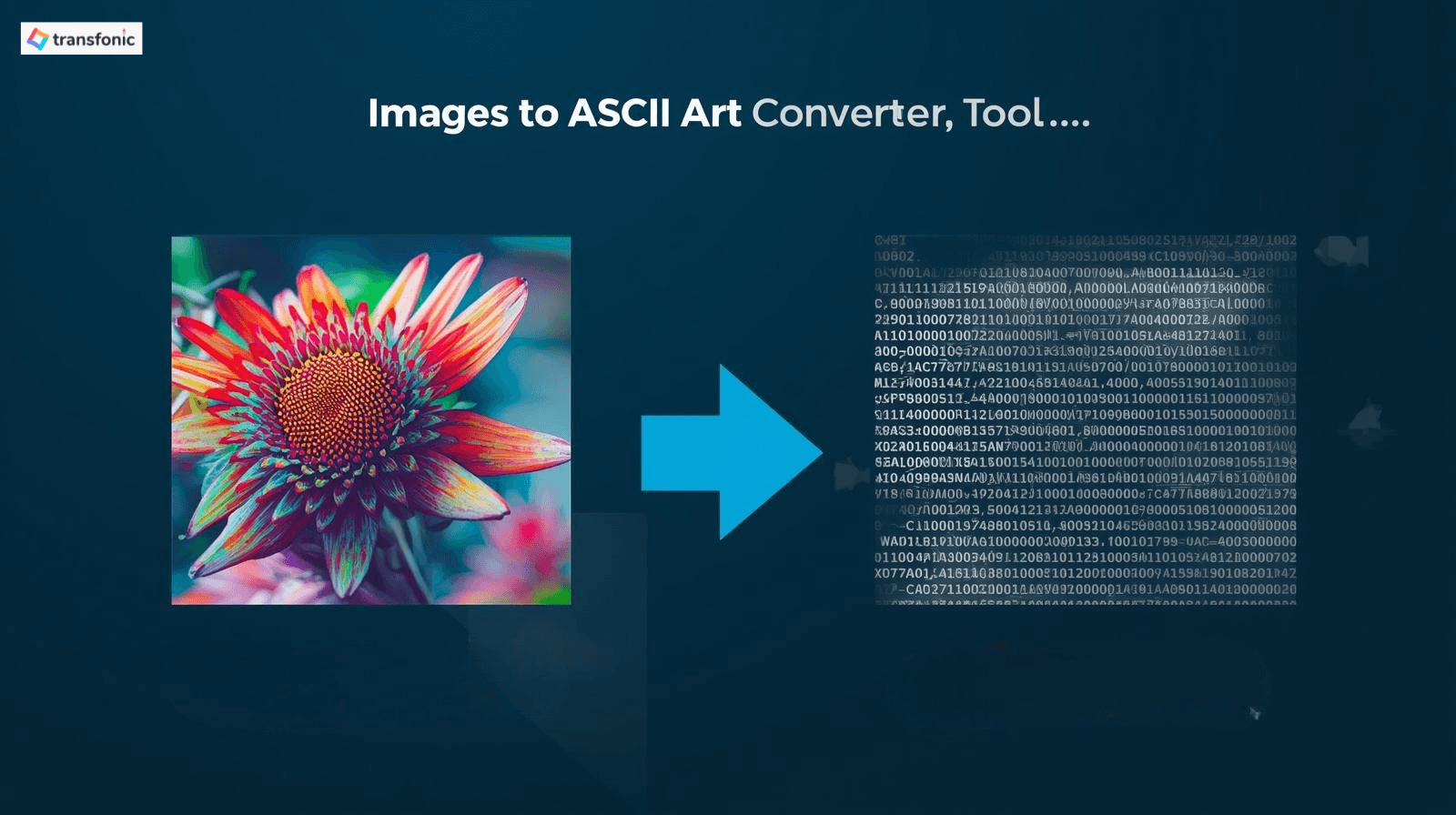
There is something uniquely satisfying about seeing a photograph transformed into a mosaic of letters, symbols, and punctuation marks. ASCII art is one of the oldest forms of digital creativity — born in the early days of computing when text was the only canvas available and in 2026, it is more popular than ever, driven by gaming communities, anime fans, social media aesthetics, and developer culture.
Whether you want to turn a photo of your cat into text art, create a cute anime girl ASCII portrait, build Valorant chat art to drop in-game, or simply learn how the conversion works, this guide covers everything. You will learn what ASCII art actually is, how the conversion from image to text works, what makes a great source image, and how to get the best results from free online tools — no signup required. You can easily start creating your own ASCII art using the Image to ASCII tool.
What Is ASCII Art and Where Did It Come From?
ASCII stands for American Standard Code for Information Interchange — a character encoding standard first published in 1963 that assigned numeric codes to 128 characters, including letters, numbers, punctuation, and control characters. In the early days of computing, Back when graphics cards and pixel-based displays were a thing of the future, ASCII characters were our one viable visual tool, which made for strong computers in those early days. Enterprising programmers and computer fans started reshuffling these characters into recognizable shapes or pictures — and ASCII art was born.
That form of art thrived throughout the 1970s, 1980s and 1990s between bulletin board systems (BBS), early internet forums, email signatures, and terminal interfaces. It became a hallmark aesthetic of hacker and programmer culture — a visual language forged within the rigorous constraints of text-only environments.
According to the Computer History Museum, ASCII art was among the first forms of digital creative expression, predating the graphical user interface by more than a decade. What started as a workaround for technical limitations became an art form in its own right.
ASCII art has undergone a real cultural revival today. It’s used in gaming communities’ chat — Valorant players are known to drop elaborate ASCII art into the match chat. It gets used a lot of places: Discord servers, Reddit posts, GitHub README files, and terminal screens from developers. Anime lovers make elaborate ASCII chips of their favorite characters. And for many creators, the aesthetics of text-based images have an old-school retro appeal that high-resolution modern graphics just cannot mimic.
How Does Image to ASCII Art Conversion Actually Work?
The conversion process is more elegant than it might appear. Here is the technical logic behind it:
Every image is made up of pixels, and every pixel has a brightness value — from pure black (0) to pure white (255) on a standard 8-bit grayscale scale. An ASCII art converter analyzes each region of the image and maps its brightness to an ASCII character based on that character's visual density.
Dense characters like @ # % and W occupy most of the space in their character cell and represent dark areas. Medium-density characters like o:; and - represent mid-tones. Light characters like. and spaces represent bright areas. By systematically replacing every pixel region with the appropriate character, the converter rebuilds the image using text.
The result: a grid of ASCII characters that, when viewed at the right distance in a monospaced font, visually resembles the original image. The level of detail depends on the output width — more characters across means more resolution in the output.
Monospaced Fonts: Why They Matter
ASCII art only looks correct in a monospaced (fixed-width) font where every character occupies exactly the same horizontal space. In proportional fonts like Arial or Times New Roman, the characters have different widths and the alignment breaks completely. Always look at, paste or share ASCII art in a setting that uses a monospaced font — code editors, terminal windows, Discord code blocks and GitHub README files all make the grade.
Step-by-Step: How to Convert an Image to ASCII Art Online
Converting an image to ASCII art is a straightforward process when you have the right tool. Here is the complete workflow:
1. Choose your source image — a high-contrast photo with a clear subject works best
2. Open a free online ASCII art converter in your browser
3. Upload your image or paste a URL
4. Adjust the output width — start with 80-100 characters for a standard result
5. Adjust brightness and contrast if needed — higher contrast generally produces cleaner output
6. Preview the result and fine-tune settings
7. Copy the ASCII text to the clipboard or download as a .txt file
8. Paste into your destination using a monospaced font for correct display
The entire process takes under two minutes for a standard image. The most impactful setting is output width — this single parameter controls how much detail appears in the final output more than anything else.
What Makes a Great Source Image for ASCII Art?
Not every image converts well to ASCII art. Based on working with different image types, here is what consistently produces the best results:
High Contrast Images
ASCII art works by mapping brightness to character density. Images with strong contrast between subject and background give the converter clear, unambiguous brightness values to work with. A black cat on a white background will convert far more cleanly than a grey cat on a beige wall.
Simple, Clear Subjects
Single subjects with minimal background clutter convert better than busy, complex scenes. A portrait, a logo, a single animal, or a simple illustration — these all produce recognizable ASCII output. A crowded street photo or a detailed landscape tends to produce noise rather than a clear image.
Anime and Illustration
Anime art and digital illustrations are actually excellent candidates for ASCII conversion. The clean lines, flat color areas, and high contrast typical of anime artwork map very well to ASCII characters. Cute anime girl ASCII art is one of the most popular search categories for this exact reason — the art style translates naturally into the text-based medium.
Cat Images
It is no coincidence that cat ASCII art is one of the most popular uses of this medium. Cats have distinctive silhouettes, high-contrast fur patterns, and clear facial features that produce immediately recognizable ASCII output. The classic sitting cat outline is one of the most replicated ASCII art forms across the internet.
Popular ASCII Art Use Cases in 2026
Valorant ASCII Art
Valorant players have developed an entire subculture around ASCII art in game chat. Agent silhouettes, weapon outlines, and tournament memes are shared as copy-paste text art between matches. Creating your own Valorant ASCII art — whether from a screenshot, an agent image, or a custom design has become a genuine form of player expression. The in-game chat's text-only format makes high-quality ASCII art a genuinely impressive flex.
Anime Girl ASCII Art
ASCII portraits of anime characters, particularly cute female characters, are extremely popular for ASCII portraiture on Discord servers, Reddit communities, and social media profiles. The low-contrast, clean-line aesthetic of anime art translates surprisingly well to text characters, and elaborate multi-line ASCII portraits of the most popular characters are widely traded in otaku communities.
Cat ASCII Art
From the classic one-line cat emoticon ( =^..^= ) to elaborate multi-line portraits of specific breeds, cat ASCII art spans the entire spectrum from simple to complex. Cat owners convert photos of their pets, and internet culture's deep love of cats has made feline ASCII art one of the most shared categories online.
One Line ASCII Art
Single-line ASCII art — sometimes referred to as emoticons or kaomoji is a streamlined text expression that can be set within a single line of chat or message. These range from simple faces like :-) to elaborate Japanese-style kaomoji like (づ。◕‿‿◕。)づ or ¯\_(ツ)_/¯. They are used across every messaging platform and have their own dedicated communities and generators.
GitHub and Developer ASCII Art
ASCII art can be found all over the place in README files, code comments, terminal startup banners and project documentation. A nicely crafted ASCII logo or banner in a GitHub README makes a project instantly unique and identifiable. This use case has created a lot of demand for image to ASCII converters amongst the developer community.
Animated ASCII Art
Animated ASCII art is a take on that idea — instead of a static image formed out of text, the letters change over time to create motion. Animated sequences in ASCII art are often employed for terminal animations, loading screens, or retro-style intro screens. For animators, this often requires either a dedicated GIF-to-ASCII converter or manually editing each frame, but the eventual effect comes with a singular visual character modern-day animation software has trouble replicating.
To learn more about the history of ASCII art, check out the Wikipedia page on ASCII Art.
Tips for Getting the Best ASCII Art Results
Choose the right image: if your subject has a complex or cluttered background, remove this with a background removal tool before converting
Boost contrast before converting: a quick contrast adjustment in any image editor before uploading produces noticeably cleaner ASCII output
Match output width to destination: eventually figure out what works for where you post the code: Discord, 60-80; GitHub README files, 80-120; terminal displays, make sure it fits in the column of your terminal.
Use grayscale source images for cleaner output: color information can confuse brightness-based converters; convert to grayscale first for maximal clarity
Choose the right character set: standard ASCII (uses keyboard characters); extended character sets (block chars, Braille dots (image to ASCII dots output) for more apparent resolution.
Test at different widths: the same image can look dramatically different at 40 characters vs 120 characters; always test multiple widths before finalizing
View output in monospaced font before sharing: what looks clean in a code editor may break entirely if pasted into a proportional-font environment
Image to ASCII Dots: The Braille Character Approach
A specialized variant of ASCII art uses Braille characters rather than standard keyboard symbols. Braille uses a 2x4 grid of dots per character, giving each character cell 8 possible dot positions. This dramatically increases the resolution available per character compared to standard ASCII, producing much more detailed and photo-realistic text art.
Images converted using Braille dot characters maintain significantly more fine detail than standard ASCII conversions, making them popular for high-detail portraits, intricate anime art, and complex game characters. The Valorant community particularly favors Braille-based art because the higher resolution allows for more recognizable agent and weapon representations within chat's character limits.
The resulting art looks like a dense field of dots at a distance but resolves into a clear image when viewed with the right zoom level. It works best on platforms that render Braille characters correctly — Discord, Reddit, and most modern web platforms all handle Braille Unicode characters properly.
Related Transfonic Image Tools That Support Your Workflow
ASCII art conversion is often part of a broader image preparation workflow. Transfonic's full image toolkit supports every step:
Background Remover: remove the background from your source image before converting to ASCII. A clean, isolated subject produces dramatically better ASCII output than an image with a complex backdrop.
Image Enhance: boost contrast and sharpen your image before ASCII conversion. Higher contrast in the source image directly translates to cleaner, more readable ASCII output.
Image Conversion: convert your image to grayscale PNG or high-contrast JPG before running it through an ASCII converter for the cleanest possible output.
Image Upscaler: upscale a small or low-resolution image before ASCII conversion. More pixels in the source image give the converter more brightness data to work with, producing more detailed ASCII output.
Image Compressor: If you are saving your ASCII art as an image file (PNG screenshot), compress it for easy sharing without quality loss.
Common Mistakes That Ruin ASCII Art Conversions
• Using a low-contrast source image: flat, washed-out photos produce muddy, unrecognizable ASCII output; boost contrast first
• Setting output width too low: 20-30 characters gives you a tiny, blocky result with almost no recognizable detail; start at 80 for standard quality
• Setting output width too high: 200+ characters produces highly detailed output that looks great in a code editor but breaks or wraps awkwardly in chat and social media contexts
• Pasting into a proportional-font environment: the most common mistake; ASCII art must display in a monospaced font or the character alignment collapses completely
• Using a busy, complex source image: group photos, detailed landscapes, and cluttered scenes produce noise rather than recognizable ASCII art
• Ignoring aspect ratio: ASCII characters are taller than they are wide, so the output naturally appears stretched vertically; most converters compensate for this automatically but not all do
Conclusion: ASCII Art Is Not a Relic: It Is a Living Creative Medium
ASCII art has outlasted every computing trend that seemed likely to make it obsolete. It survived the graphical user interface, the rise of emoji, the smartphone era, and the age of high-resolution displays. In 2026 it is more active than ever — in gaming communities, anime fandoms, developer culture, and social media aesthetics.
The explanation is simple: there’s real creative fulfilment in writing under restrictions. Using nothing but keyboard symbols to represent a face, cat, anime character or game scene requires true skill and creates something unlike anything else. The easiest way to keep up with that tradition without having to make each character yourself is by converting an image to ASCII art.
The secret to great conversion is few: use high-contrast source images, prepare before converting, set the output width equal to your destination, and always visually present the result in a trigram! You will be surprised by the output if you follow those four rules.